How to Create an 8 Ball Pool Invisible Name Easily
Dropping into a high-stakes match and seeing an opponent with absolutely no username above their avatar instantly catches your attention. This clever customization trick allows you to play under the radar and adds a layer of mystery to your digital presence on the felt.
Setting up an 8 Ball Pool invisible name is easier than you might think, provided you know exactly which text characters the game's servers accept.
Why Players Use a Blank Name 8 Ball Pool Profile
Gamers constantly look for unique methods to stand out, and game profile customization offers the perfect outlet for that creativity. Sporting a blank moniker provides a slight psychological edge by stripping away any readable identity, leaving your opponent guessing. It immediately establishes an anonymous player aesthetic that separates you from the millions of standard guest accounts and Facebook-linked profiles, similar to using a Brawl Stars empty name to hide your profile.
Beyond pure aesthetics, stripping your username provides a practical layer of privacy. If you regularly stream your gameplay, record content for social media, or simply want to avoid unsolicited friend requests, this tactic is highly effective. A blank name 8 Ball Pool profile ensures that viewers and opponents cannot easily search for your exact account tag after a match concludes.
How to Get an Invisible Name in 8 Ball Pool
Achieving this unique look requires stepping slightly outside the boundaries of your standard smartphone keyboard. The game engine is designed to reject standard spacebar inputs if you try to submit a completely empty text field. To bypass this restriction, you must trick the system into reading a legitimate, albeit unseen, character.
Finding the Right Invisible Text Character
The secret to this workaround lies in specific Unicode characters that render as entirely empty space on a screen. Standard spaces are immediately flagged by the game's formatting rules, meaning you need a dedicated invisible text character to proceed.
The most reliable options are the Hangul Filler (U+3164) or the Braille Pattern Blank (U+2800). You can easily find these characters on specialized Unicode directory websites, highlight the empty space between their designated brackets, and copy it directly to your clipboard.
Applying the Blank Space to Miniclip Account Settings
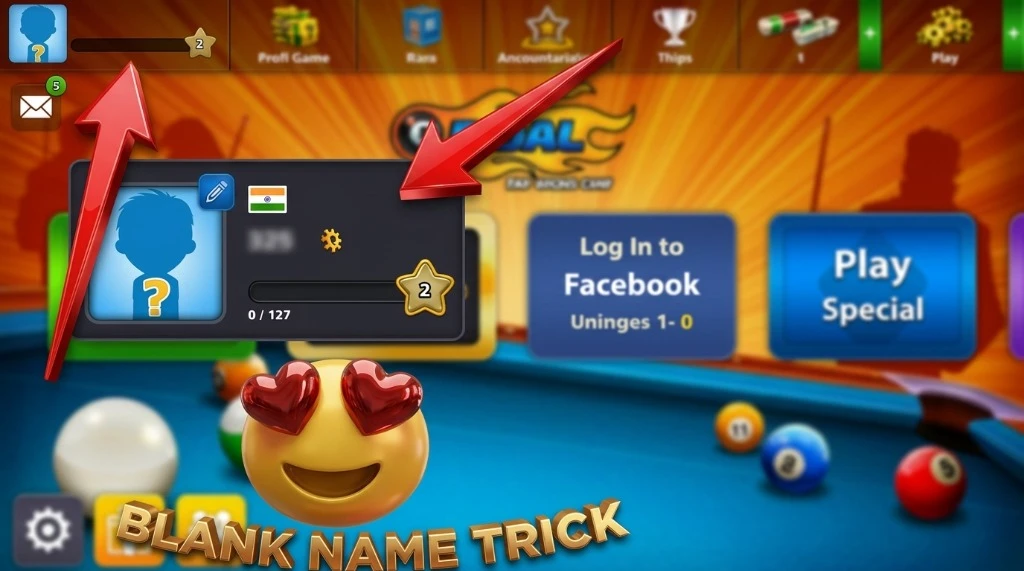
Once you have successfully copied your special character, it is time to update your in-game identity. Navigate directly to your Miniclip account settings or access the profile edit screen from the game's main menu. Paste the copied blank space into the username field and save your changes. As long as the character formatting is preserved during the paste, your 8 Ball Pool invisible name will be immediately active on the servers.
The 8 Ball Pool No Name Trick on Android and iOS
This customization process translates seamlessly across both major mobile operating systems. To make your 8 Ball Pool name blank on Android/iOS, you rely on the exact same copy-and-paste method used on a desktop browser. The game client reads the Unicode data identically regardless of the hardware you are holding in your hands, which also applies when generating a blank identifier using a PUBG blank space name generator.
However, built-in device clipboards can sometimes unexpectedly strip formatting from copied text. If the blank space does not paste correctly on your iPhone or Samsung device, try sending the invisible character to yourself in a private messaging app first. Copying it directly from a text message bubble often preserves the correct Unicode format required by the 8 Ball Pool no name trick.
Is There a Ban Risk for Invisible Name 8 Ball Pool?
There is no harm or damage to your account when using allowed Unicode characters in your 8 Ball Pool name. You can try invisible names in 8 Ball Pool, as many players use this method. It is one of the most popular ways to hide usernames, and you can use it as well without any risk.
Frequently Asked Questions on 8 Ball Pool Invisible Names
How do you hide your name in an 8 Ball Pool?
You cannot natively hide your name using a toggle switch in the game's standard settings menu. Instead, you must edit your profile and paste a special Unicode blank character into the text field. This tricks the system into displaying an empty space instead of standard letters.
Can I use an invisible text character on PC?
Yes, the customization trick works identically if you play the browser version on a desktop PC. Simply copy the Unicode character using your computer's clipboard and paste it into your web profile settings. The change will sync instantly to your mobile device as long as you are logged into the same account. This is the same logic used to display a custom Minecraft invisible name on desktop versions.
Will a blank name 8 Ball Pool trick crash the game?
Using a standard Unicode blank character will not cause your game or your opponent's app to crash. The software simply reads it as a valid, invisible text entry and loads the match normally. However, you should avoid pasting overly long strings of corrupted text, as those can sometimes trigger visual glitches.
Is the 8 Ball Pool no name trick permanent?
The hidden name remains active until you manually decide to update your profile with visible letters again. Keep in mind that Miniclip occasionally resets names that violate their formatting guidelines during major server maintenance. If your invisible moniker reverts to a generic guest tag, you will have to repeat the copy-paste process.
Do opponents see my anonymous player profile?
Yes, your opponent will see exactly what you see on your own screen during a match. When the game begins, your avatar will appear at the top, but the text area where your username usually sits will be completely empty. It creates a highly effective anonymous player aesthetic during live competition.
Concluding Thoughts on the 8 Ball Pool Invisible Name
Setting up an 8 Ball Pool invisible name offers a harmless, engaging way to customize your digital presence and stand out on the virtual tables. By leveraging the right Unicode formatting, you can easily bypass standard text restrictions and achieve a highly sought-after anonymous look. If you want to add a layer of mystery to your next high-stakes match, grab an invisible text character, update your profile settings, and start clearing the table in secret.